
Fill it in. Make it yours. Print it out.
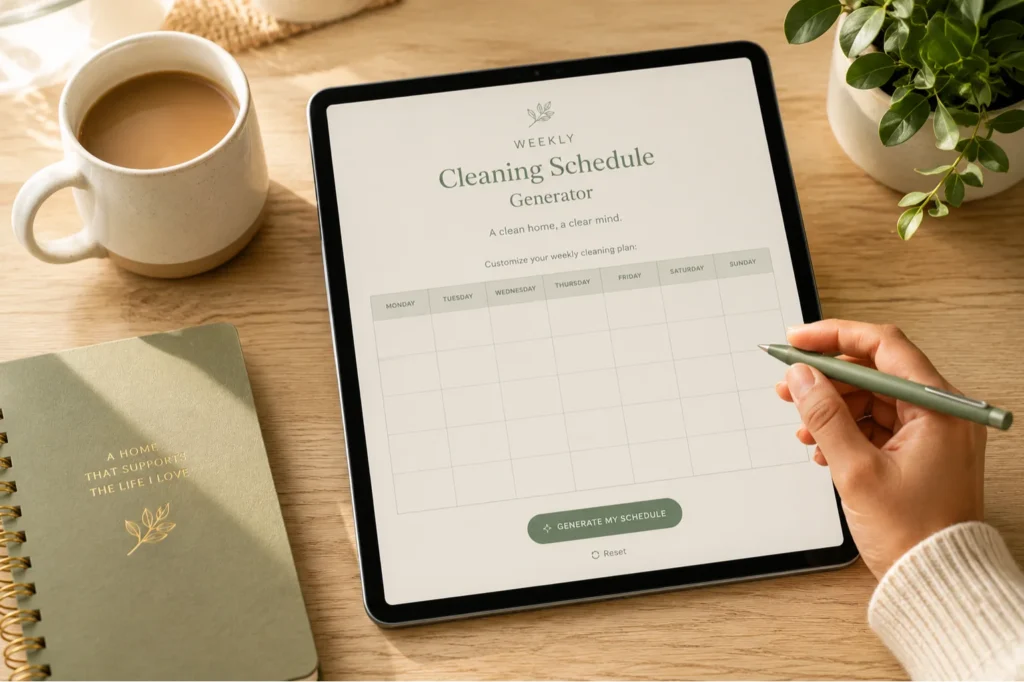
Live Preview Click any cell to type
My Weekly Cleaning Schedule
A little care each day makes home feel lovely.
🎯 How to Use This Schedule Generator
Create your perfect weekly cleaning schedule in 5 minutes. Customize it your way, print it out, and stick to it. No email required, no account needed — just your cleaning routine, exactly how you want it.
Your Info
Add your name and the week you're planning for. This appears at the top of your printed schedule.
Pick Your Days
Choose which days to include. Plan for all 7 days, just weekdays, or your own custom mix.
Time Slots or Open
Select time-based sections (Morning/Afternoon/Evening) or one open area per day. Your choice.
Add Your Tasks
Browse common cleaning tasks or add your own. Click to assign them to specific days.
Style It
Pick your color scheme and font size to match your aesthetic and printing preferences.
Print or Download
Save as PDF or print directly. Your personalized schedule, ready to go on your fridge.
Ready to Get Organized?
Start creating your weekly cleaning schedule now. It's completely free and takes just a few minutes.
What You Get
- A personalized weekly schedule tailored to your home and routine
- Multiple color schemes that match your aesthetic
- 4 pre-filled task categories with 20+ common cleaning jobs (edit or add your own)
- Print-ready PDF that looks great on any printer
- No sign-up, no email, no tracking — just your schedule
- Works on mobile, tablet, and desktop
Questions?
Is this really free?
Yes. Completely free. No ads, no email capture, no upsell. Just a helpful tool to make your cleaning routine easier.
Can I customize the tasks?
Absolutely. Use the pre-filled tasks as a starting point, or type in your own. The schedule is completely yours.
Will it work on my phone?
Yes. The generator works on any device. You can fill it in on your phone and print from there, or email the PDF to yourself to print later.
What if I want to change something after I print it?
Just come back and regenerate it. The tool saves nothing, so you can make a new one anytime with zero trace of the old one.
Can I use this for multiple people (like my whole household)?
Yes! Generate one for each person or one collaborative schedule. You can print multiple versions and post them all together.
What if I don't like my color choice?
Change it and regenerate the schedule before you print. Takes 10 seconds.